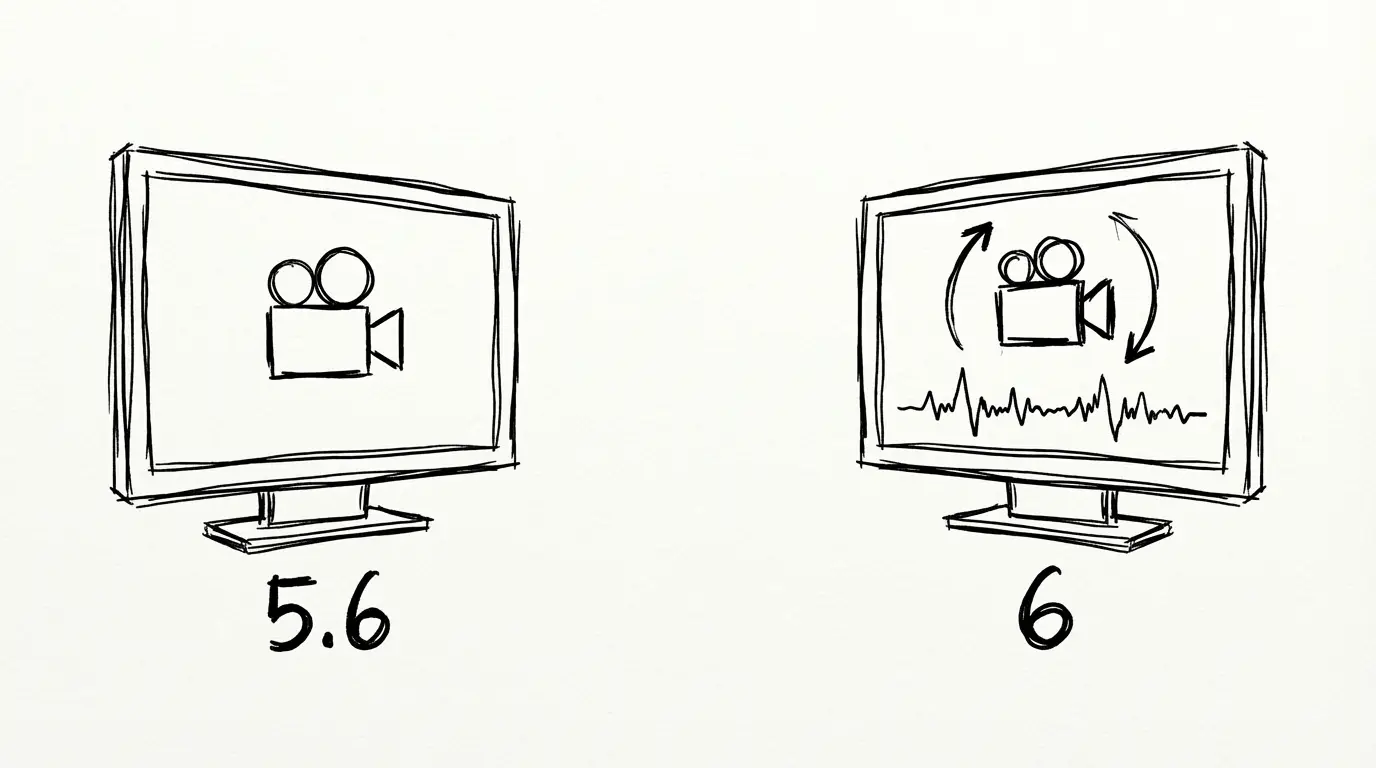
PixVerse V6 vs V5.6: Camera Controls, Audio, and the Multi-Shot Engine
PixVerse V6 launched March 30, 2026. Compared to V5.6, it adds 20+ cinema camera controls, native audio, a multi-shot engine, and raises the clip limit to 15 seconds at 1080p. Here's a direct breakdown.
TL;DR
- V6 adds 20+ cinema camera controls, native audio sync, and a multi-shot engine — none of which existed in V5.6
- Max clip duration doubles from 8 to 15 seconds; native resolution upgrades from 720p to 1080p
- V5.6 is still available and remains capable for straightforward T2V/I2V work
- If you need camera control, audio, or sequenced scenes — V6 is the reason to upgrade
What Is the Main Difference Between PixVerse V6 and V5.6?
PixVerse V6 adds three capabilities that V5.6 does not have: 20+ parameterized cinema camera controls, native audio generation, and a multi-shot engine for scene-consistent sequences. It also raises the maximum clip duration from 8 to 15 seconds and the native resolution from 720p to 1080p. V5.6 remains available for basic T2V and I2V work where these features are not required.
V6 vs V5.6: Full Specification Comparison
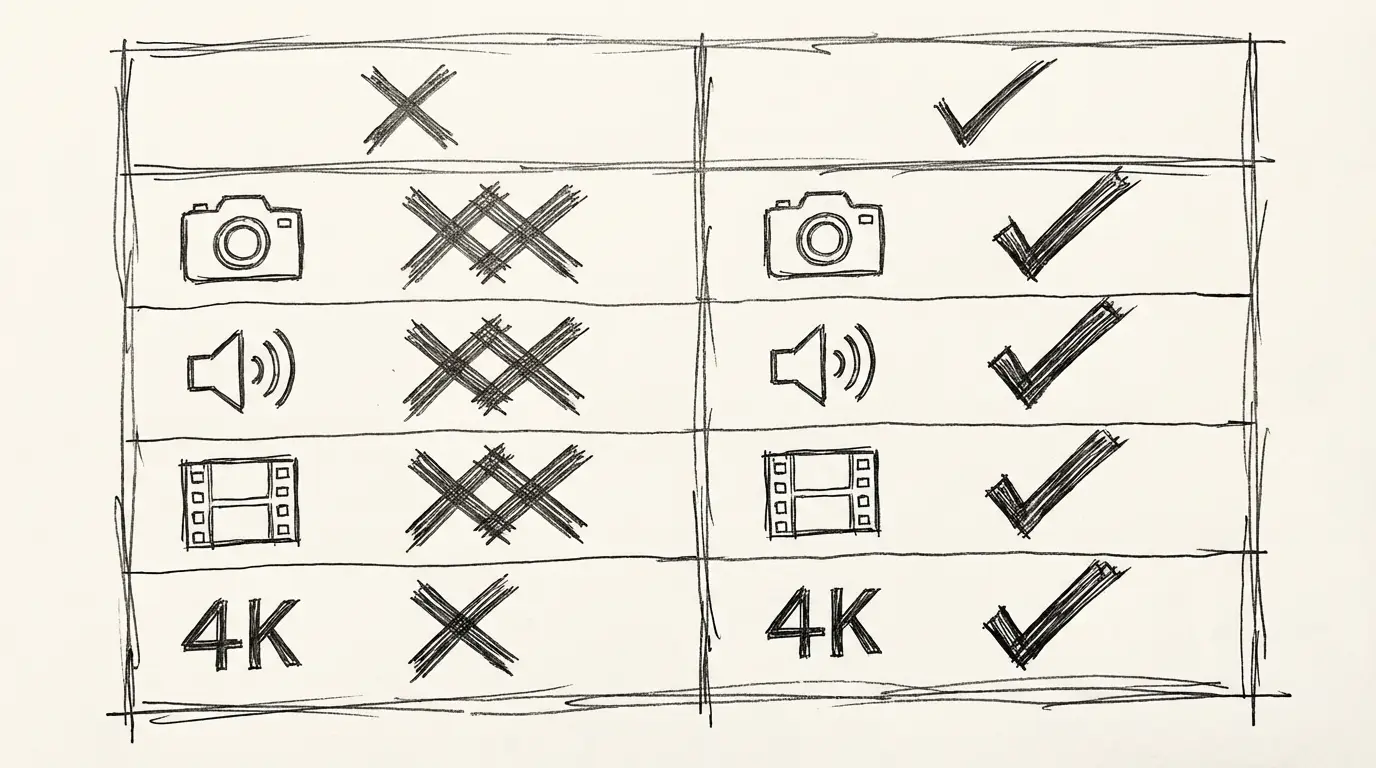
| Specification | V5.6 | V6 |
|---|---|---|
| Release date | January 26, 2026 | March 30, 2026 |
| Native resolution | 720p | 1080p |
| Max clip duration | 8 seconds | 15 seconds |
| Cinema camera controls | Basic presets | ✅ 20+ parameterized |
| Native audio generation | ❌ | ✅ |
| Multi-shot engine | ❌ | ✅ |
| Text-to-video | ✅ | ✅ |
| Image-to-video | ✅ | ✅ |
| Video transition mode | ✅ | ✅ |
| Clip extension (Extend) | ✅ | ✅ |
| Supported aspect ratios | 16:9, 9:16, 1:1 | 16:9, 9:16, 1:1, 4:3, 3:4 |
The table captures the spec delta, but the real story is architectural. V6 doesn't just improve V5.6's existing capabilities — it adds capabilities V5.6 fundamentally didn't have.
Camera Controls: The Biggest Practical Difference
V5.6 offered a handful of named camera presets. You could select "slow dolly" or "pan" from a list, but there was no parameter control — no speed, no easing, no ability to combine moves with precision.
V6 gives you a parameterized system. You can specify:
- Movement type: dolly in/out, pan, tilt, truck, boom, orbit, crane, tracking, handheld, dolly zoom
- Speed: slow, medium, fast
- Easing: linear, ease-in, ease-out
- Start timing: delay the camera move to begin after the first N seconds
In practice, this means the difference between "add a camera move" and "dolly in slowly starting at second 2 with ease-in" — two very different levels of directorial control.
For creators doing product videos, brand content, or social clips where framing is deliberate, V6's camera system is the feature with the highest practical payoff.
Native Audio: What Changed
V5.6 did not generate audio. If you wanted sound, you added it in post. V6 generates audio as part of the same pass as the video.
What V6 audio covers:
- Ambient sound matched to the scene (rain, traffic, crowd, silence)
- Sound effects synchronized to visual events (impact sounds, mechanical sounds)
- Dialogue: characters speaking lines you specify, with attempted lip sync
Practical difference: For social content and product demos, V6 output is often post-ready without additional audio work. You write the audio into the prompt ("SFX: rain, distant traffic" or A character says, "...") and it's generated with the clip.
V5.6 workflow: Generate video → source/create audio separately → sync in post.
V6 workflow: Generate video with audio prompt → output is ready.
The time saving is real, especially for high-volume content.
Multi-Shot Engine: No Equivalent in V5.6
V5.6 couldn't do this at all. V6's multi-shot engine lets you define a sequence of scenes in a single generation, and the model maintains character, environment, and lighting consistency across shots.
V5.6 approach to multi-scene content:
- Generate scene A
- Generate scene B (hope characters match)
- Generate scene C
- Edit together in post
- Adjust for continuity issues
V6 multi-shot approach:
- Write a shot list prompt describing scenes A, B, C
- Generate once
- Output is a single continuous clip with consistent visuals across scenes
The continuity is the unlock. When scenes are generated separately, characters drift between shots. The multi-shot engine solves this because all scenes are generated in the same pass.
Current practical limit: 2–3 scenes per generation produces the most consistent results. Longer shot lists can degrade continuity.
Resolution and Duration
The 720p → 1080p jump in native resolution is straightforward. V5.6 outputs required upscaling for 1080p delivery. V6 outputs are natively 1080p — sharper, with more detail at the source.
The 8s → 15s duration increase is similarly clean. V5.6's 8-second cap was a meaningful constraint for product demos and lifestyle content, where you often need 10–12 seconds to tell a complete scene. V6 removes that constraint.
Both upgrades compound: a 15-second 1080p clip from V6 has substantially more utility than an 8-second 720p clip from V5.6, even before accounting for the new features.
When to Use V5.6 vs V6
| Scenario | Recommendation |
|---|---|
| Simple text-to-clip, no camera control | Either (V6 is not worse) |
| Product demo with specific camera move | V6 |
| Content needing synchronized audio | V6 |
| Multi-scene sequence, one generation | V6 |
| Short 4s clip for social hook | V5.6 or V6 (V5.6 is sufficient) |
| 1080p output required | V6 (native; V5.6 requires upscale) |
| Prototyping at lower cost | Check current pricing on both |
The honest answer: if V6 is available at comparable cost, there's no scenario where V5.6 is the better choice. V6 does everything V5.6 does, plus the additions. The upgrade decision is primarily a cost question — check current pricing on fal.ai or the platform you're using.
Access and Availability
Both V5.6 and V6 are available through:
- fal.ai API: Both versions listed with separate model IDs and pricing tiers
- PixVerse platform (pixverse.ai): Web-based access to both versions
- This platform: V6 is available via the PixVerse V6 generator
V5.6 was not deprecated when V6 launched. Both remain available for API access. PixVerse has not announced a V5.6 end-of-life timeline as of April 2026.
Key Takeaway
PixVerse V6 is not a better version of V5.6 — it is a different tier of tool. Camera controls, native audio, and the multi-shot engine are new capability categories, not quality improvements to existing ones.
- Use V6 if: any of camera control, audio sync, or multi-shot sequences matter to your workflow — V6 is the only version with these capabilities
- V5.6 is sufficient if: your work is basic T2V or I2V with no audio or camera control requirements, and cost is a deciding factor
The Bottom Line
V6 is a meaningful upgrade over V5.6 with three capabilities that V5.6 simply does not have: parameterized cinema camera controls, native audio generation, and the multi-shot engine. For creators whose workflows involve any of these — and many do — V6 is the version to use.
V5.6 remains capable for basic generation work. If you're doing simple T2V or I2V without camera control or audio requirements, V5.6 still produces solid output.
The new features in V6 are not marketing-grade additions. They address real workflow problems: camera control for deliberate framing, audio sync for production-ready output, multi-shot for scene continuity. Whether those problems exist in your workflow determines whether V6 is the right upgrade.
Related Reading
- PixVerse V6 Full Overview — Specs, modes, and how it compares to Wan 2.7, Veo 3.1 Lite, and Kling 3.0
- Wan 2.7 vs Wan 2.6 — Similar version-comparison format for Wan's latest upgrade
- Veo 3.1 Lite — Google's audio-first alternative to PixVerse V6
FAQ
Disclosure
Specifications and release dates are sourced from PixVerse's official announcement (March 30, 2026) and the fal.ai PixVerse V6 API documentation. V5.6 specifications sourced from PixVerse's V5.6 launch documentation (January 26, 2026). Pricing comparisons reflect rates at time of publication and may change.
Author

Categories
More Posts
Seedance 2.0: The Complete Guide to ByteDance's Multimodal AI Video Generation
Explore Seedance 2.0, ByteDance's revolutionary AI video model featuring multimodal input, native audio-video sync, 2K resolution output, and director-level creative control.
AI Image Agent: Generate One Image or a Hundred — Without Switching Tools
NanoBanana's AI Image Agent handles everything from single concept images to batch style transfers in one conversation. No prompt engineering required.
AI Video Director: How NanoBanana's Agent Turns Your Idea Into a Complete Video
NanoBanana's AI Video Director Agent automates the entire video production pipeline — screenplay, characters, scenes, storyboard, and final video clips — from a single prompt.